

Epic Colours
Build Your UV Gang Sheet
Description
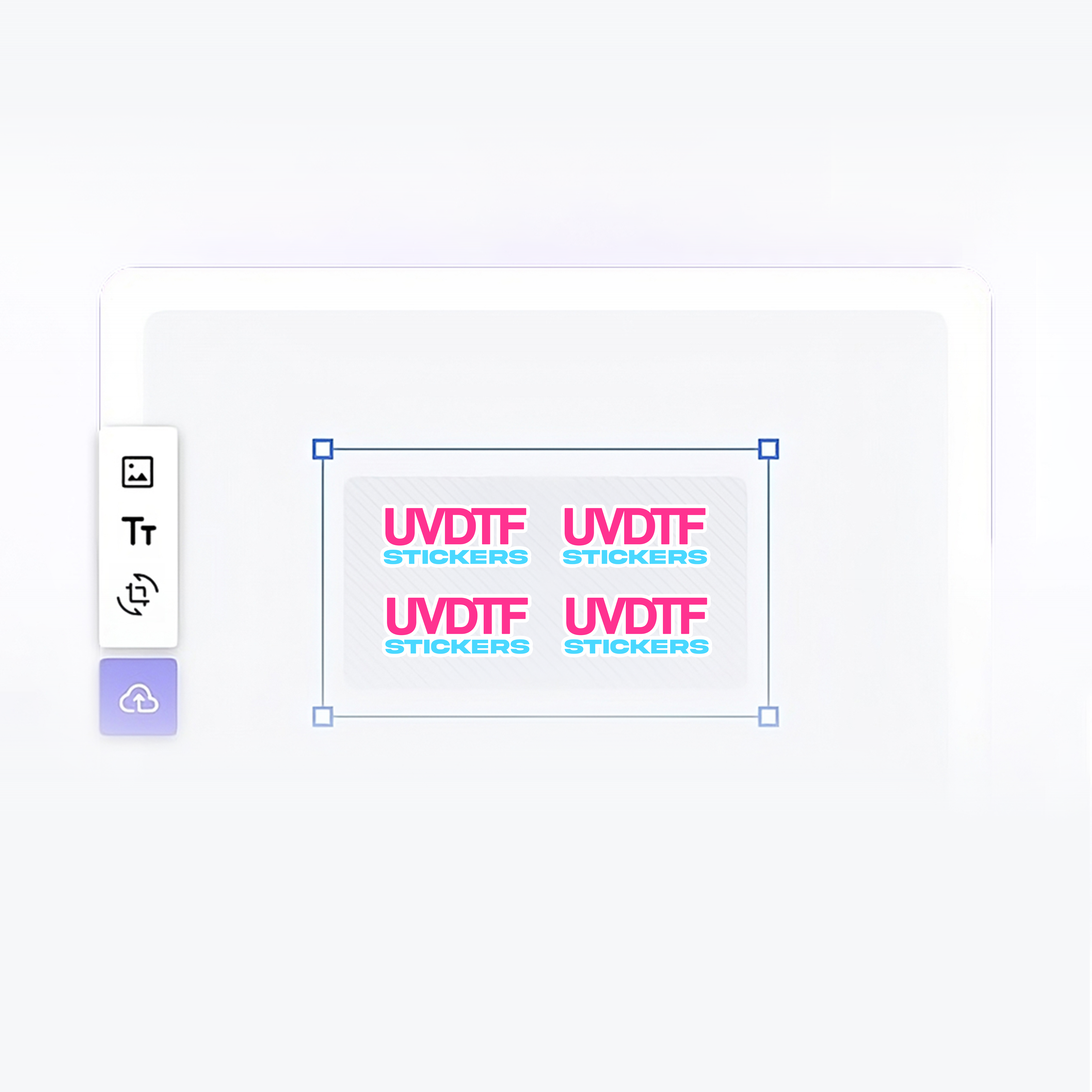
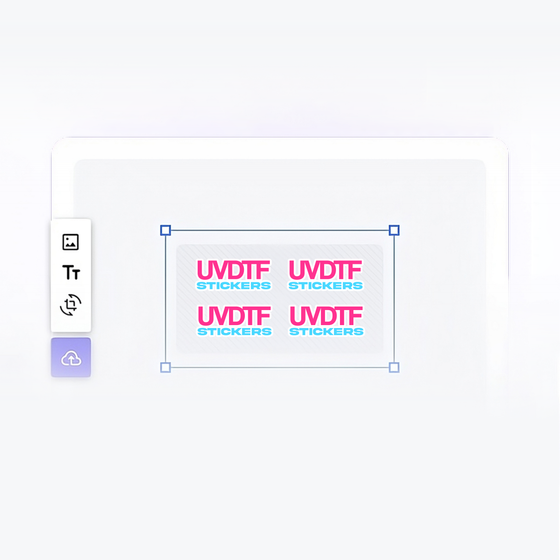
Introducing the DTF Gang Sheet Builder! Unleash your creativity and design your very own gang sheet with ease. Simply upload your images, resize them to perfection, duplicate as needed, and effortlessly remove backgrounds. Get ready to blast off into the world of incredible designs! 🚀
Custom UV DTF Transfers
UV DTF transfers made from your uploaded artwork for surface decoration.
Free Shipping Over $99
Shipping is on us for every order over $99.
Free Local Pickup
Grab your order Tuesday, Thursday or Saturday at no extra cost.
Free local pickup Tuesday, Thursday & Saturday
Express pickup
For the projects that can't wait.
Available when production capacity allows. No Saturday Express. Shipping transit times are unchanged.
Pairs well with
Build Your UV Gang Sheet
3 Steps · Upload · Print · Press
From File to Finished Surface
-

Build Your UV Gang Sheet
Arrange your artwork in the gang sheet builder, then choose your sheet size.
-
We Print It
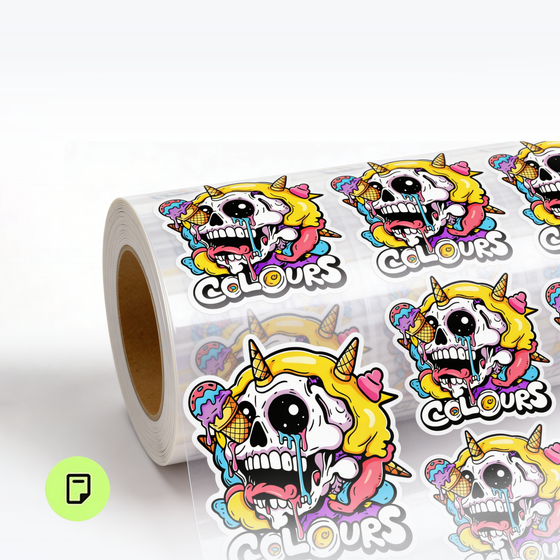
Your artwork is printed as a UV DTF transfer for surface application.
-
You Apply It
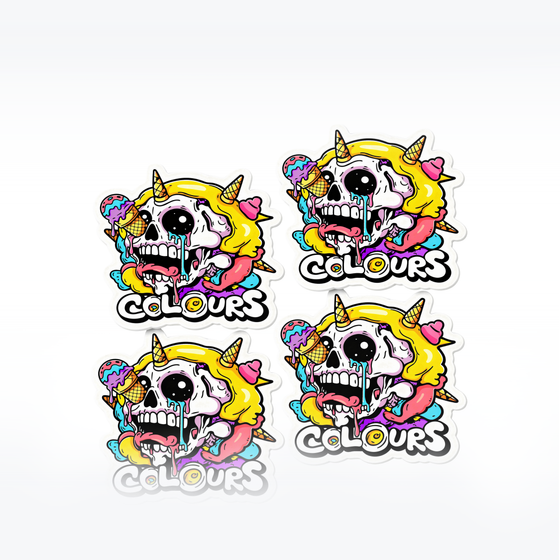
Clean the surface, position your transfer, press firmly, then peel the carrier.

Product Instructions & Shipping Details
How to Apply UV DTF Transfers
- Clean the surface thoroughly to remove dust, oils, or residue.
- Peel the backing from the UV DTF transfer.
- Carefully place the design onto the surface—align it, smooth it out, and avoid wrinkles or bubbles.
- Apply firm, even pressure using a squeegee or your hand to ensure full adhesion.
- Slowly peel off the top carrier film, leaving the design in place.
Tip: Allow the adhesive to fully cure for best durability before heavy use.
Click here for DTF Application Instructions
Care Instructions
To keep UV DTF prints vibrant and long-lasting:
- Hand wash only for best results. (Use mild soap and gentle pressure.)
- Avoid soaking for long periods.
- Avoid bleach or harsh chemicals.
- Do not scrub directly on the design.
- Air dry only.
- Not dishwasher safe.
- Do not microwave.
Click here for DTF Care Instructions
File Requirements
For the best results:
- Format: PNG (Transparent Background)
- Resolution: 300 DPI or higher
- Color Mode: RGB
- Keep design elements sharp and free of background color.
Production & Shipping
- Processing Time: 1–3 business days for custom prints.
- Shipping: Fast and reliable delivery within the U.S.
- Packaging: Transfers are shipped protected to prevent creasing.
UV Designs to Try Next
Explore more UV DTF transfers for your next project.
If you have any questions, you are always welcome to contact us. We'll get back to you as soon as possible, within 24 hours on weekdays.
Shipping Information
Use this text to answer questions in as much detail as possible for your customers.
Customer Support
Use this text to answer questions in as much detail as possible for your customers.
FAQ’s
Use this text to answer questions in as much detail as possible for your customers.
Contact Us
Use this text to answer questions in as much detail as possible for your customers.